
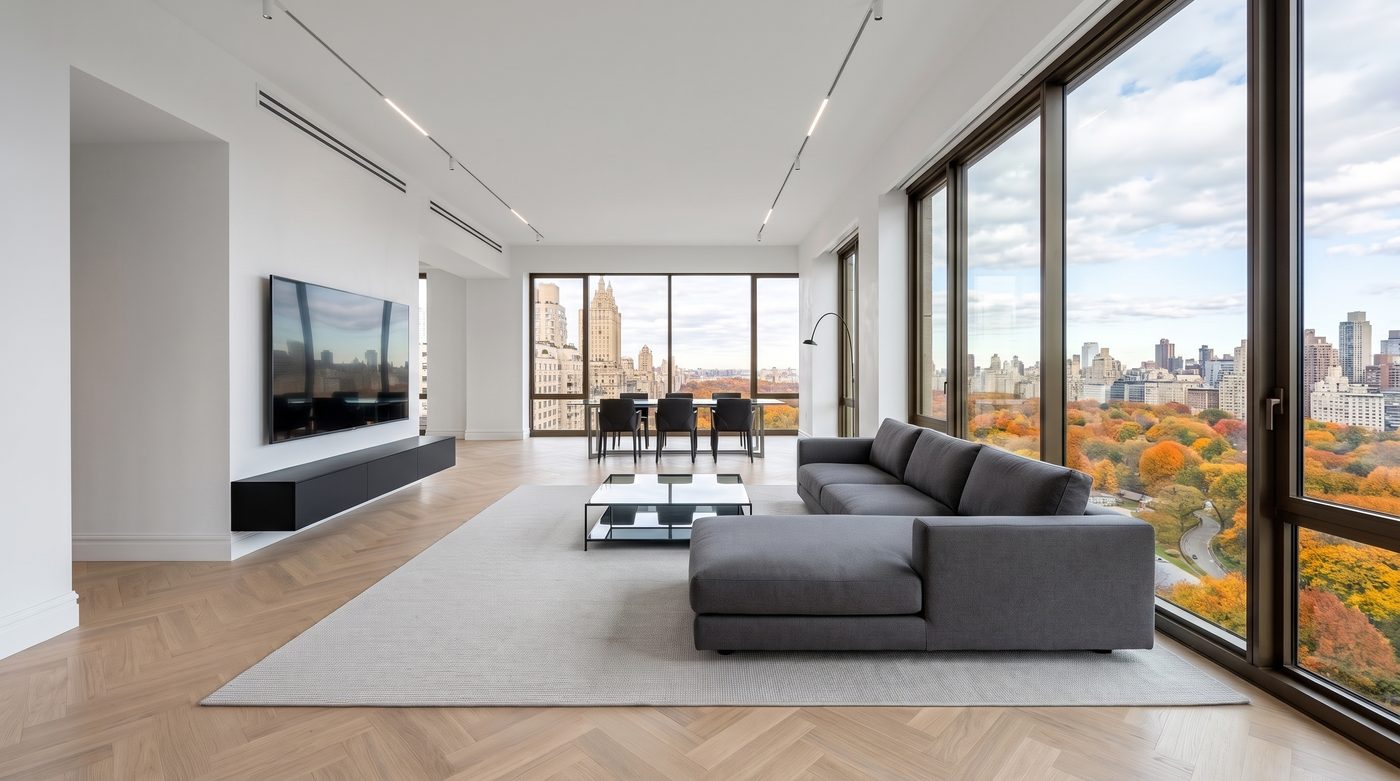
Virtual staging
Nobody falls for an empty room. Furnish it in a minute.
Upload a photo of an empty room and pick a style: the preview is free and arrives in about a minute. The final photo is checked, then sent to you by email or WhatsApp.
Drop a photo of an empty room
The styles
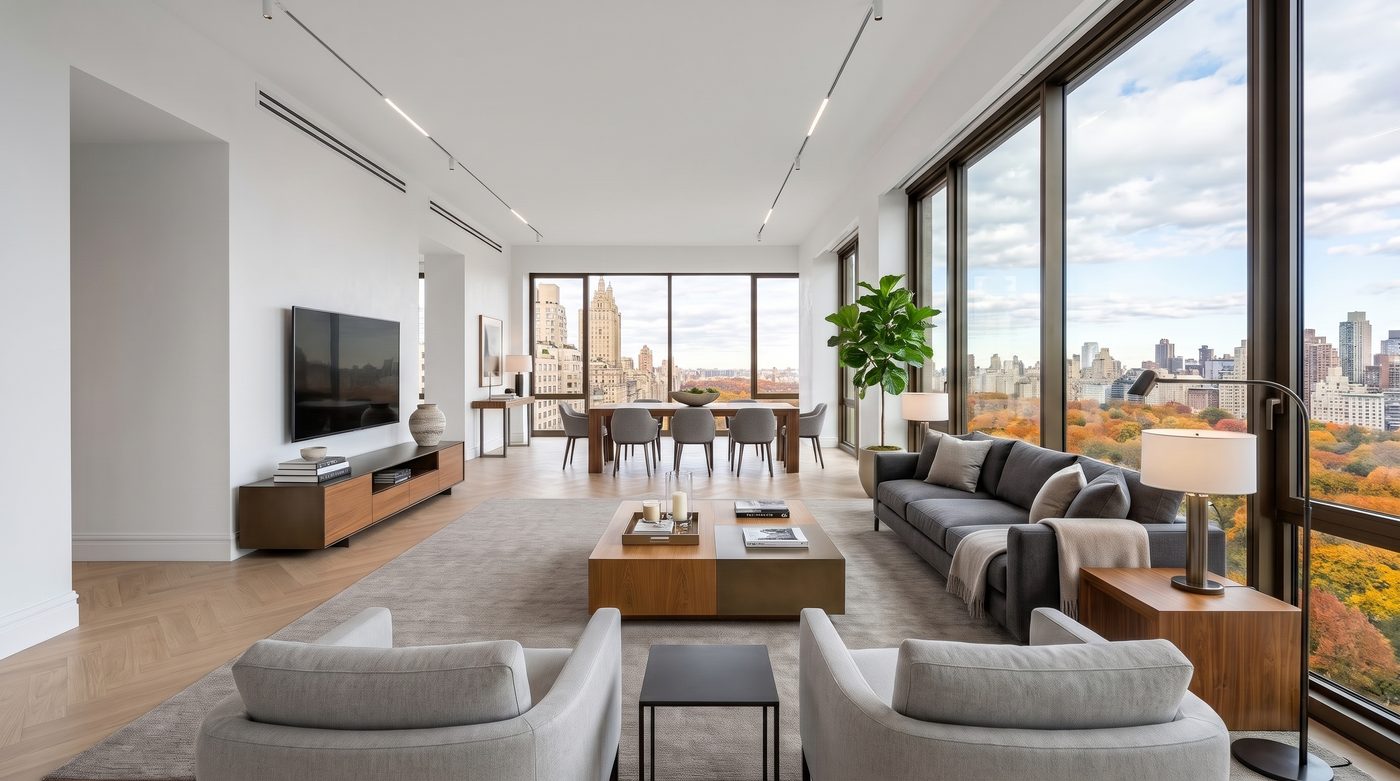
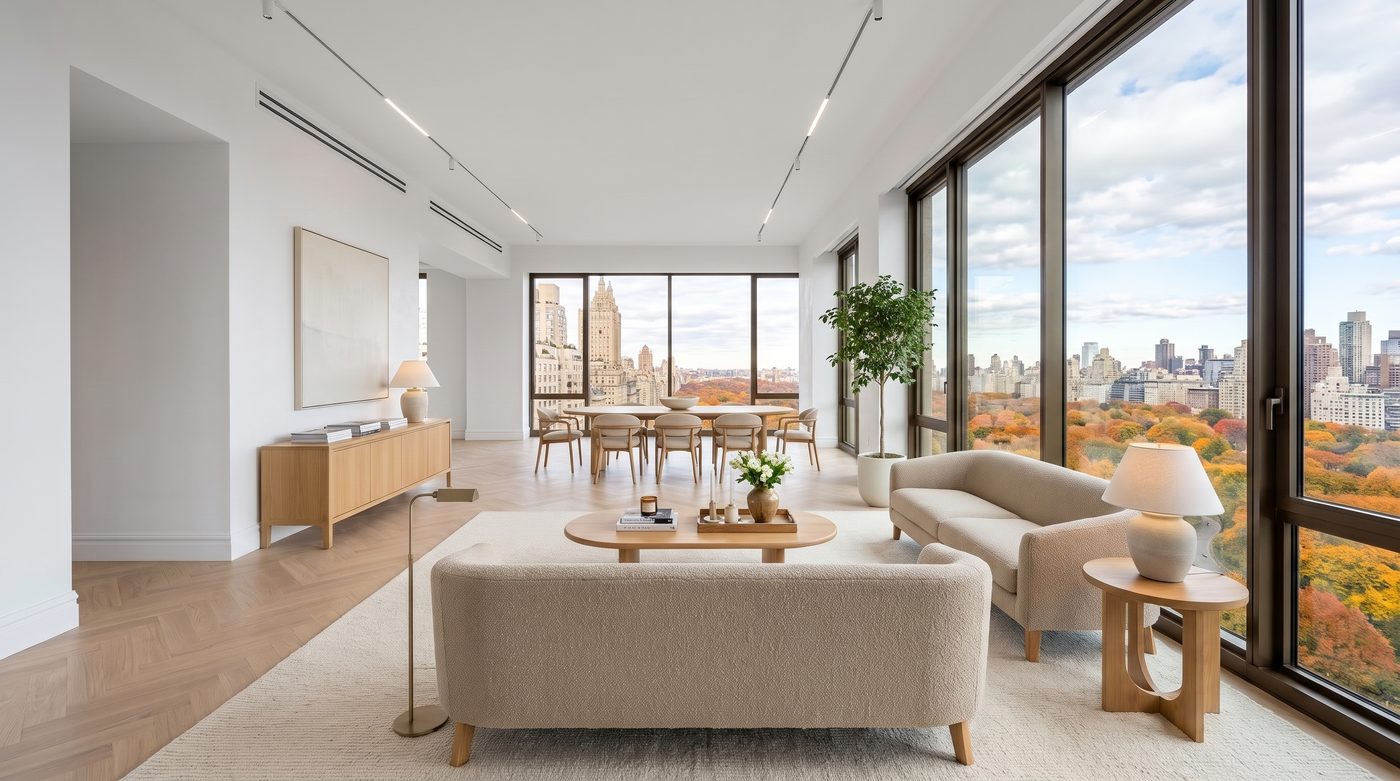
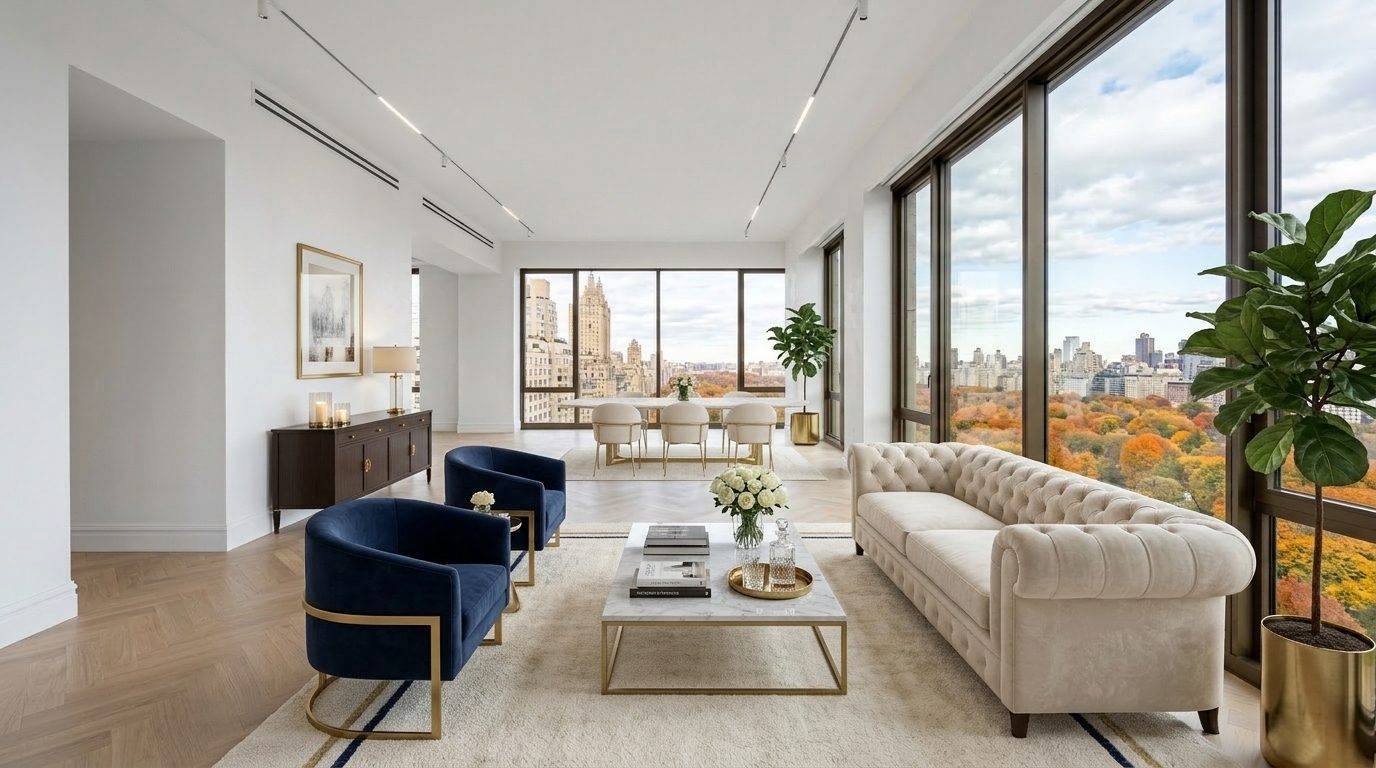
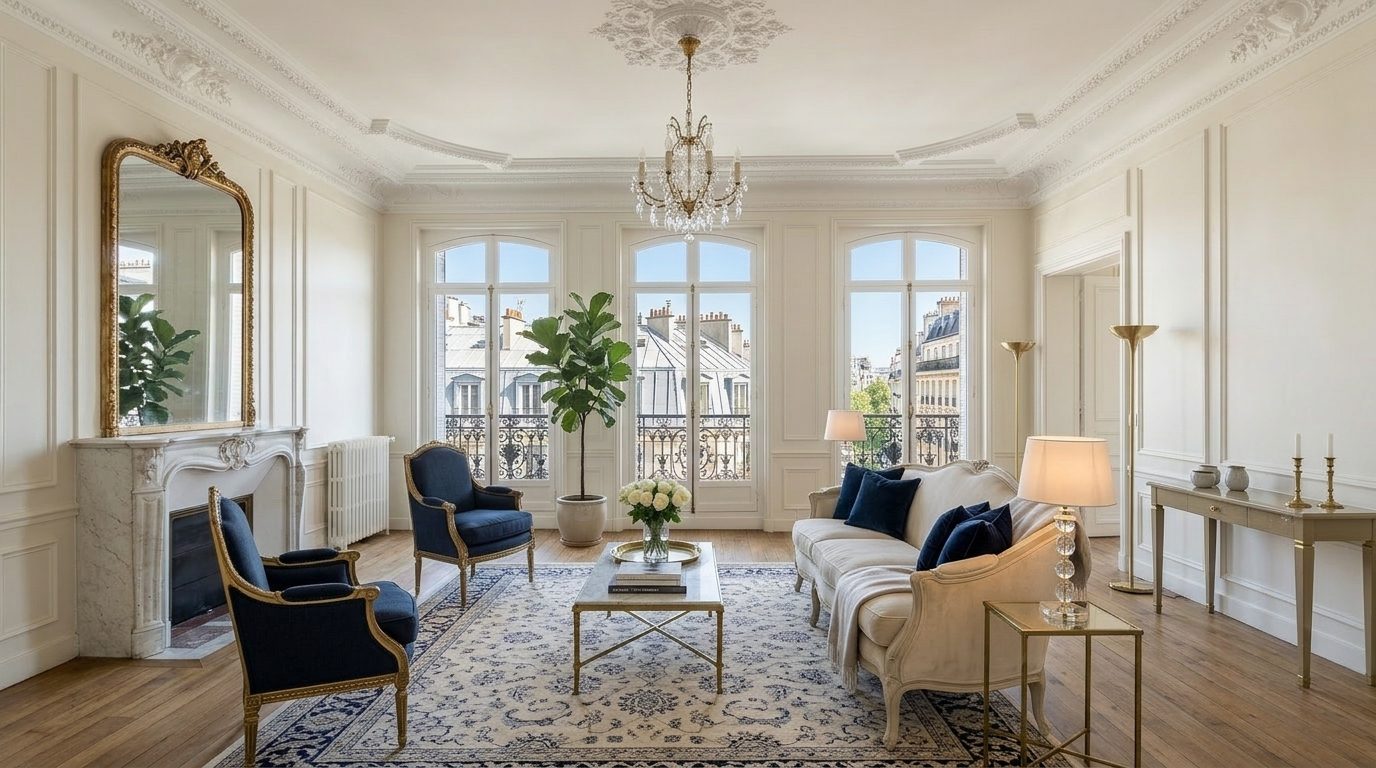
One room, five ways to tell its story.
Pick the style that suits the buyer you have in mind. The furniture changes, the room stays put: same angle, same light, same proportions.
A fifth style, Industrial: black metal, leather and raw wood. Try it on your own photo.
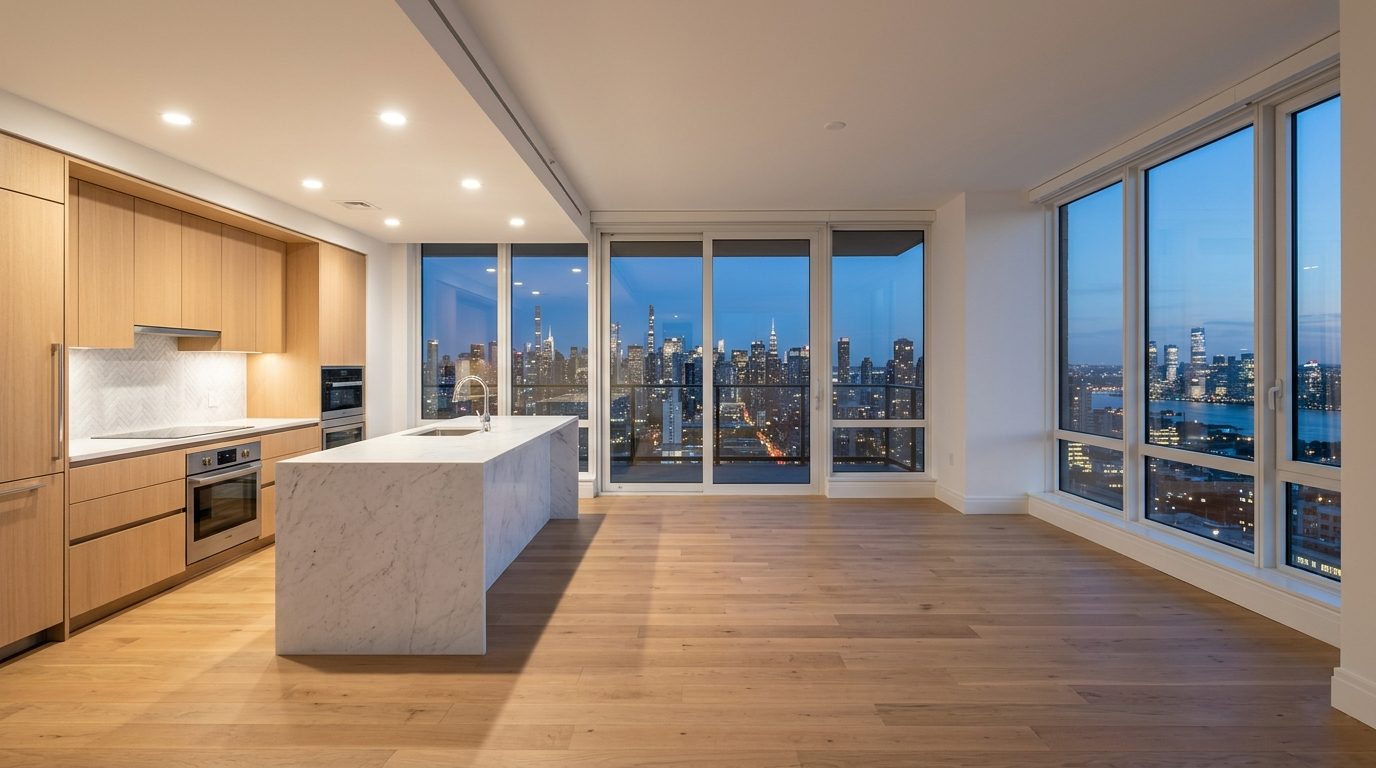
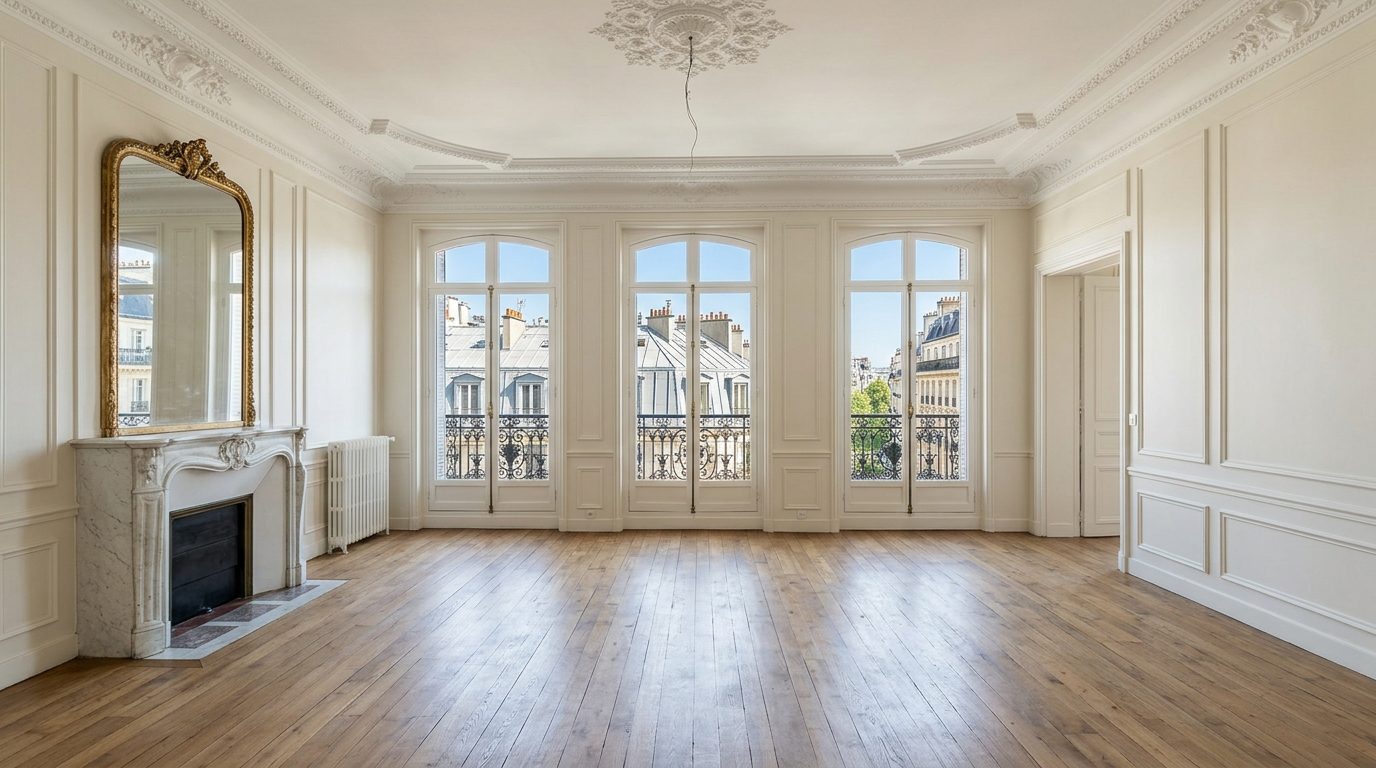
Before / after
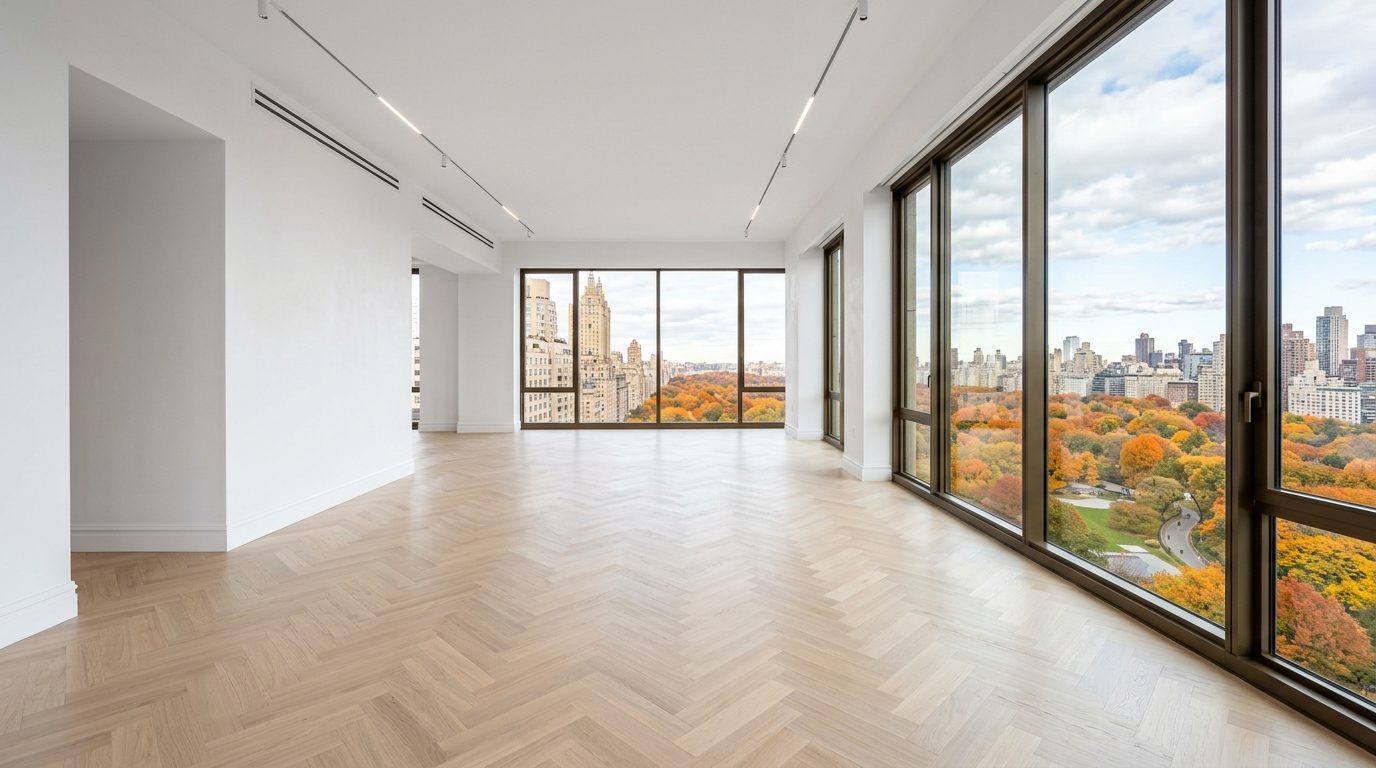
Slide. The room stays the same, only the furniture appears.
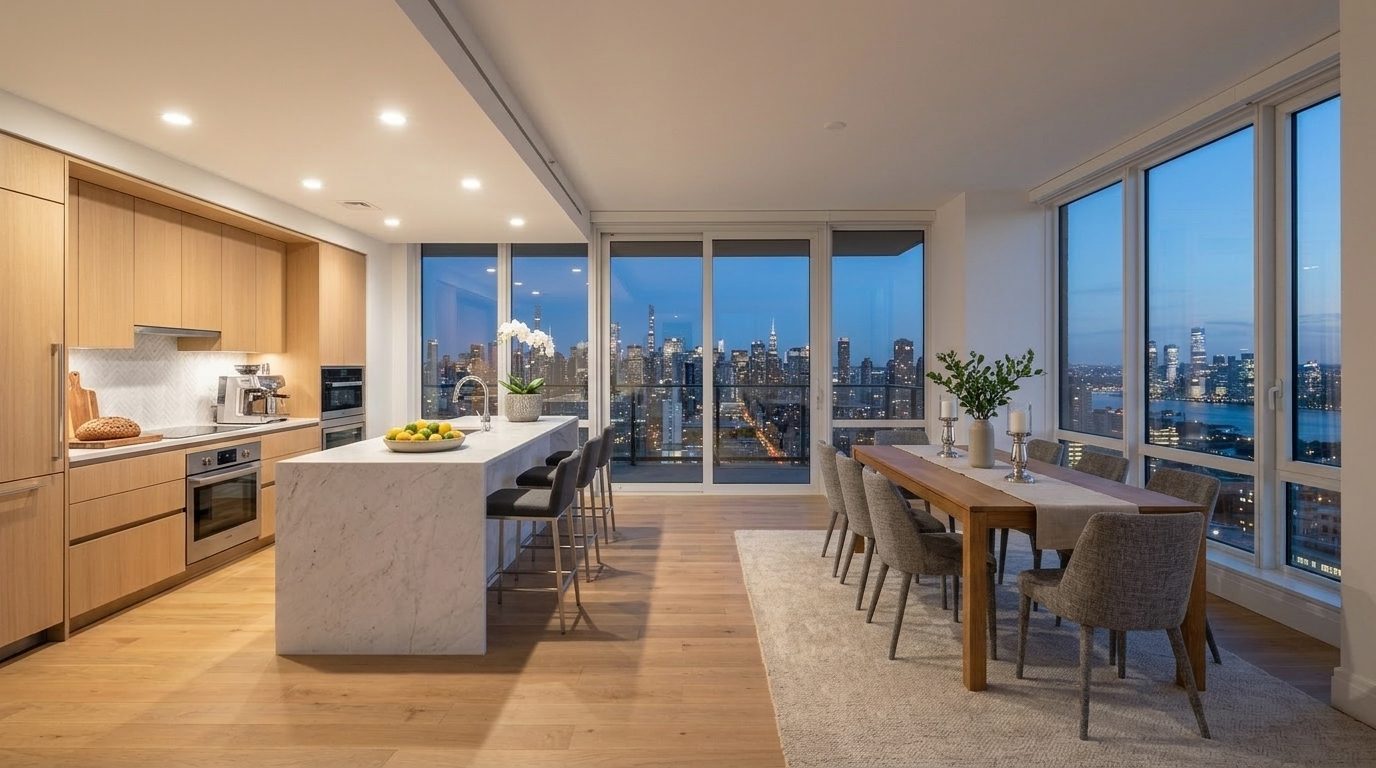
Examples made by our service on illustration photos, not client listings.
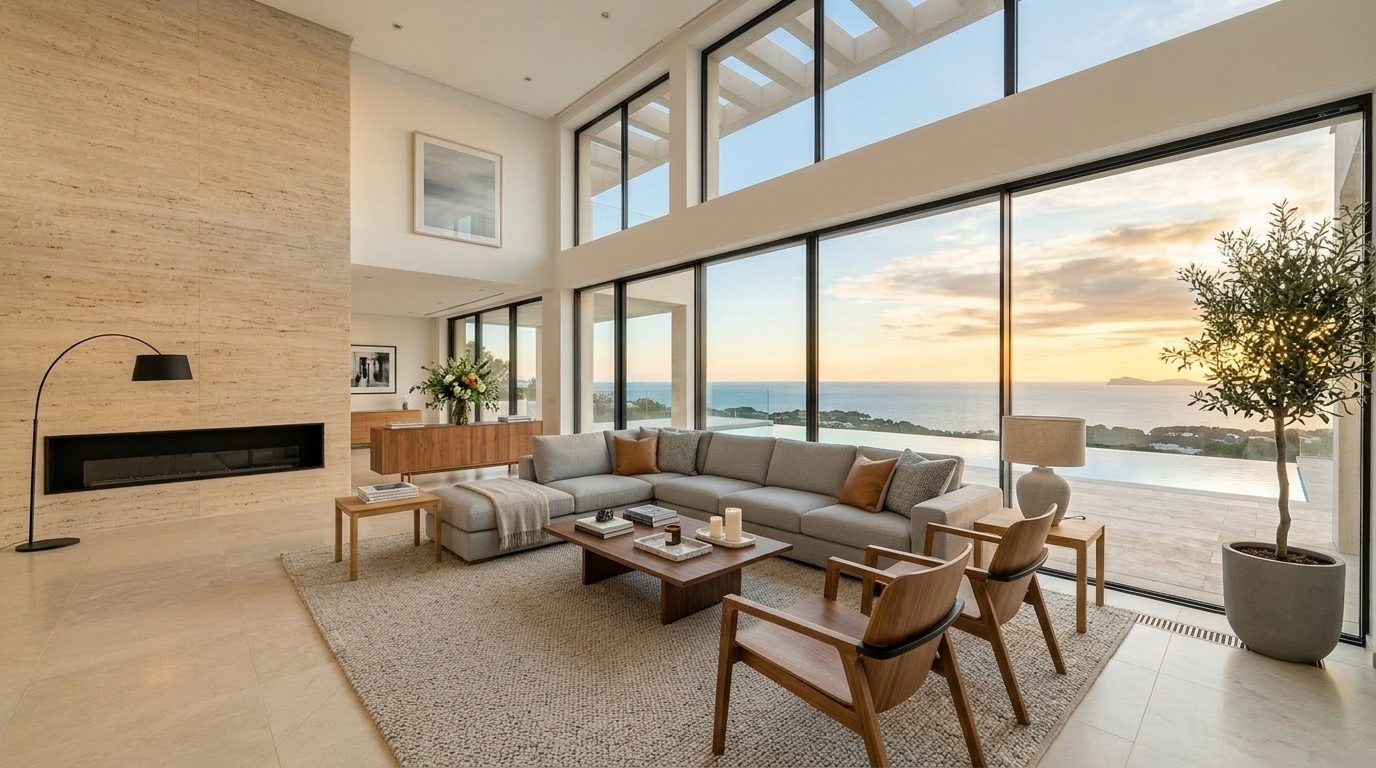
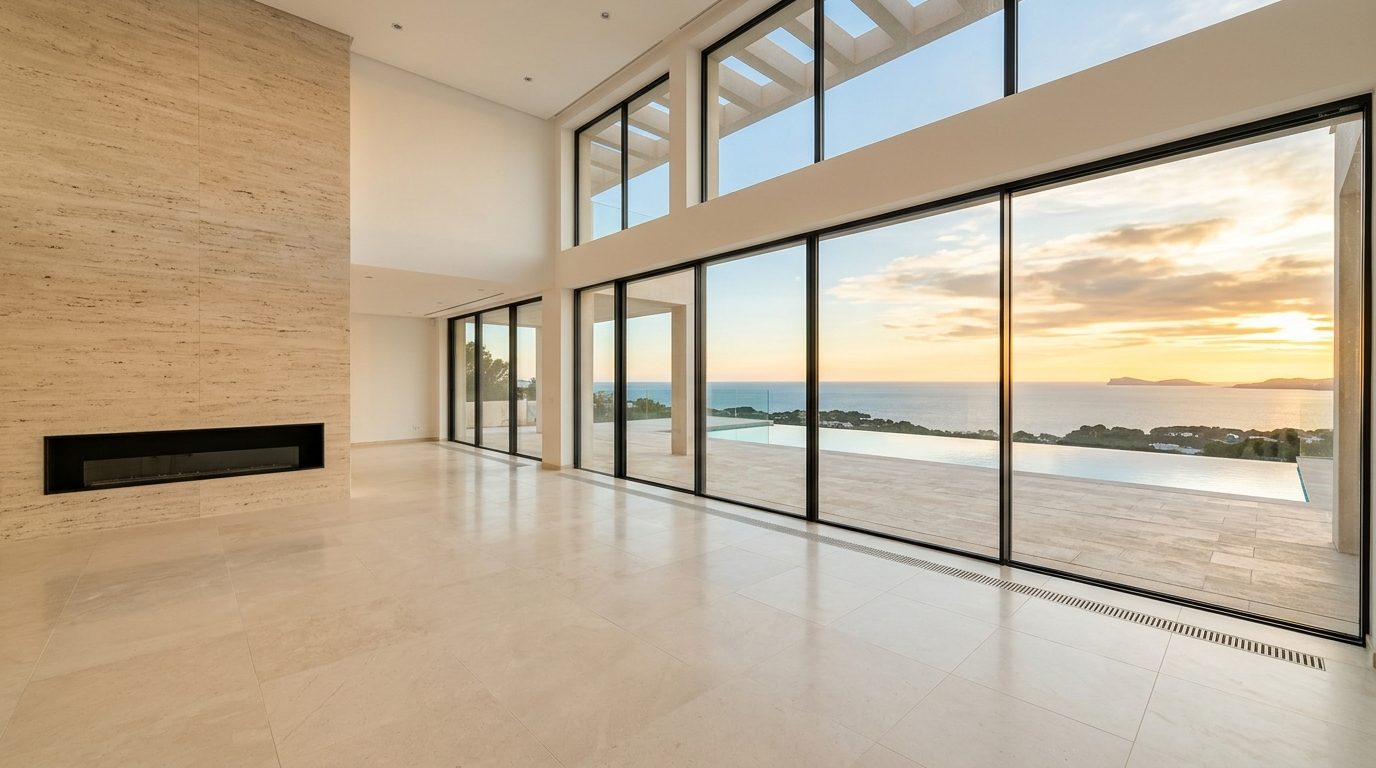
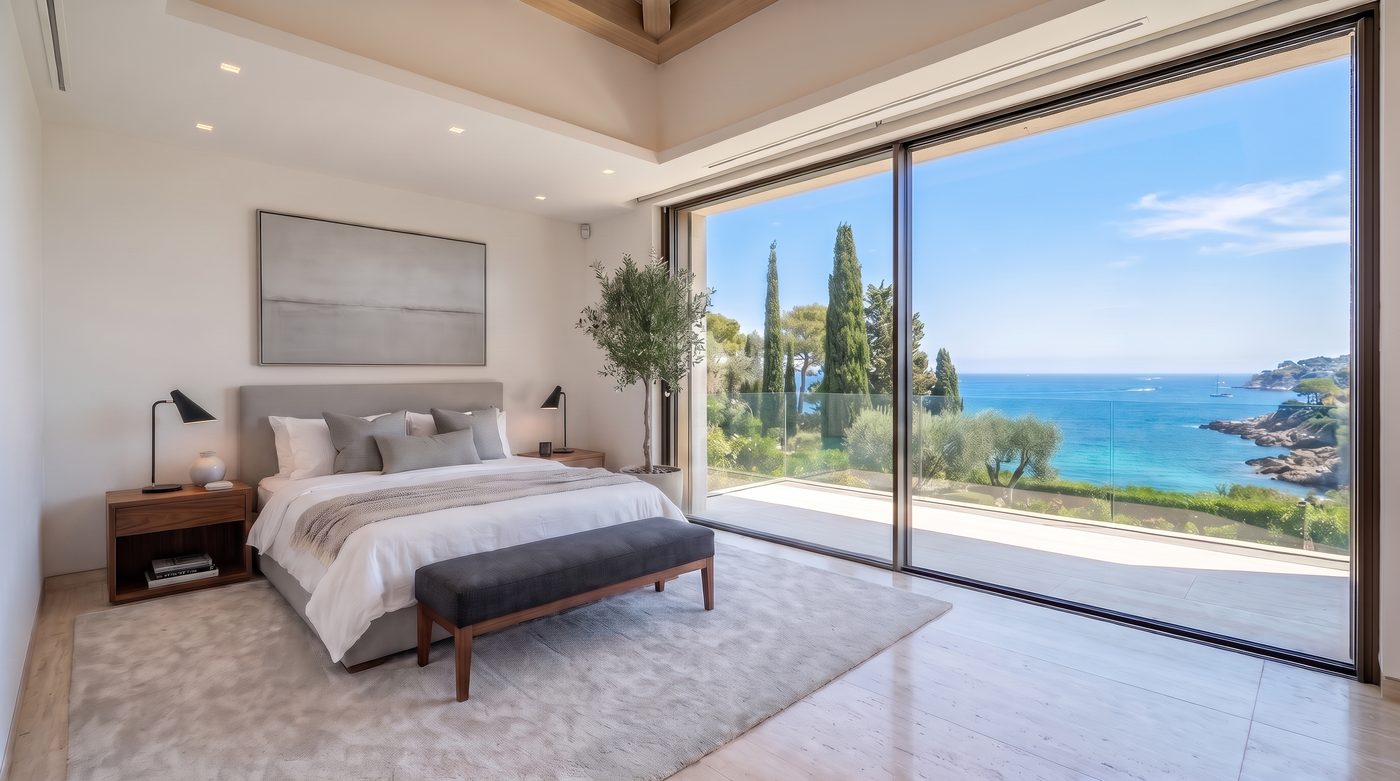
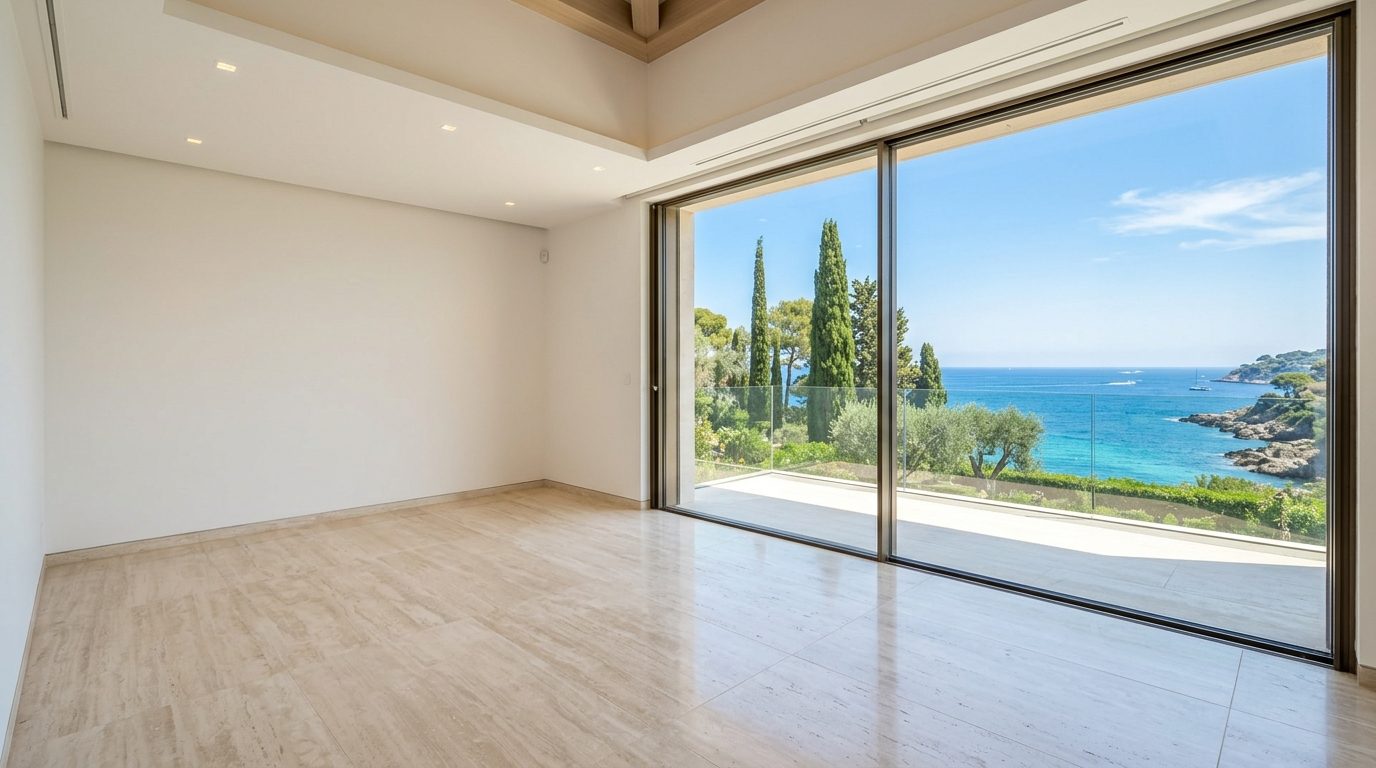
Example · photo virtually staged by our service
How it works
Three steps. No skills required.
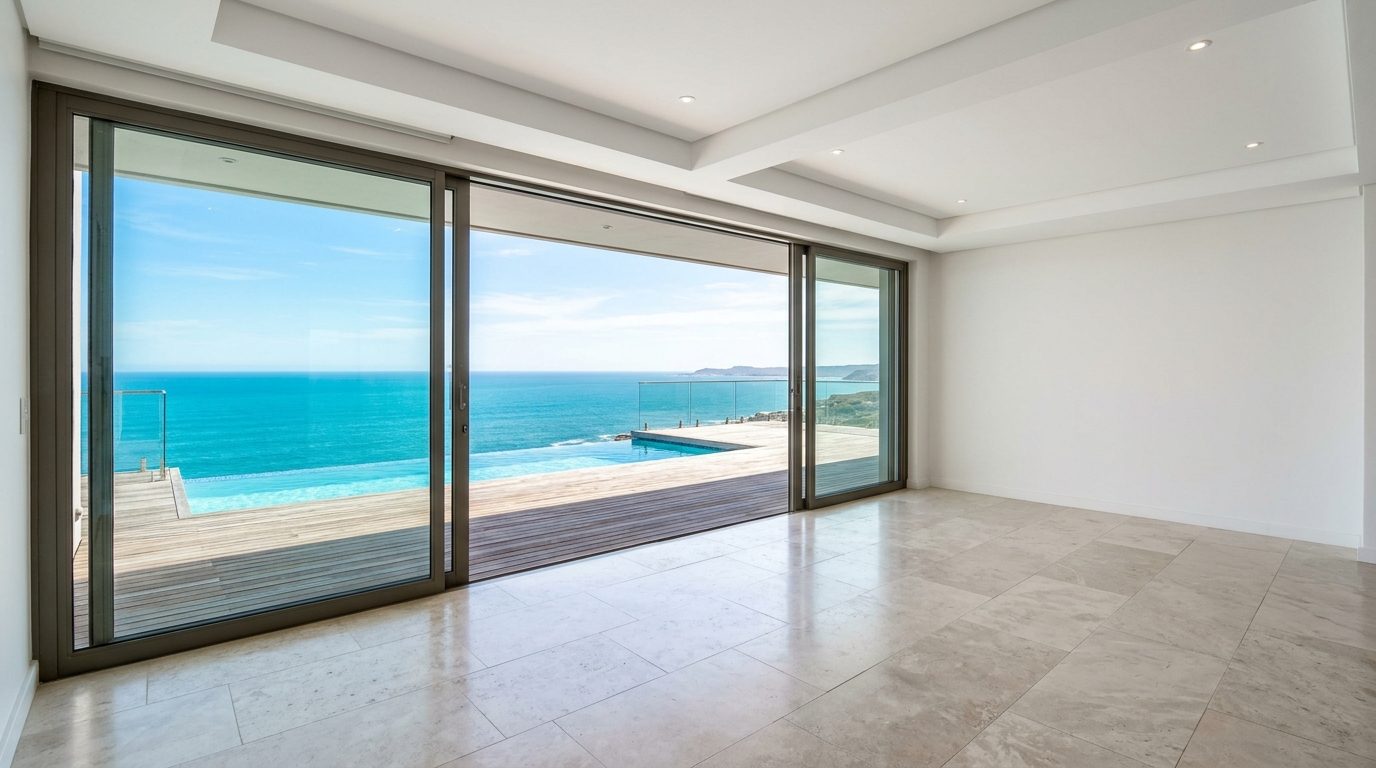
Upload your photo
An empty room, shot on a phone or a camera. Tell us the room type and the style you want.
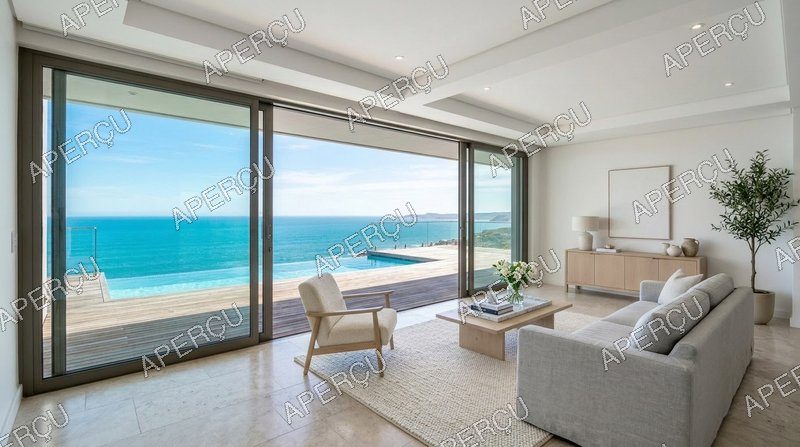
See the free preview
Less than a minute later, a watermarked preview. Not convinced? Try another style: three previews per photo.
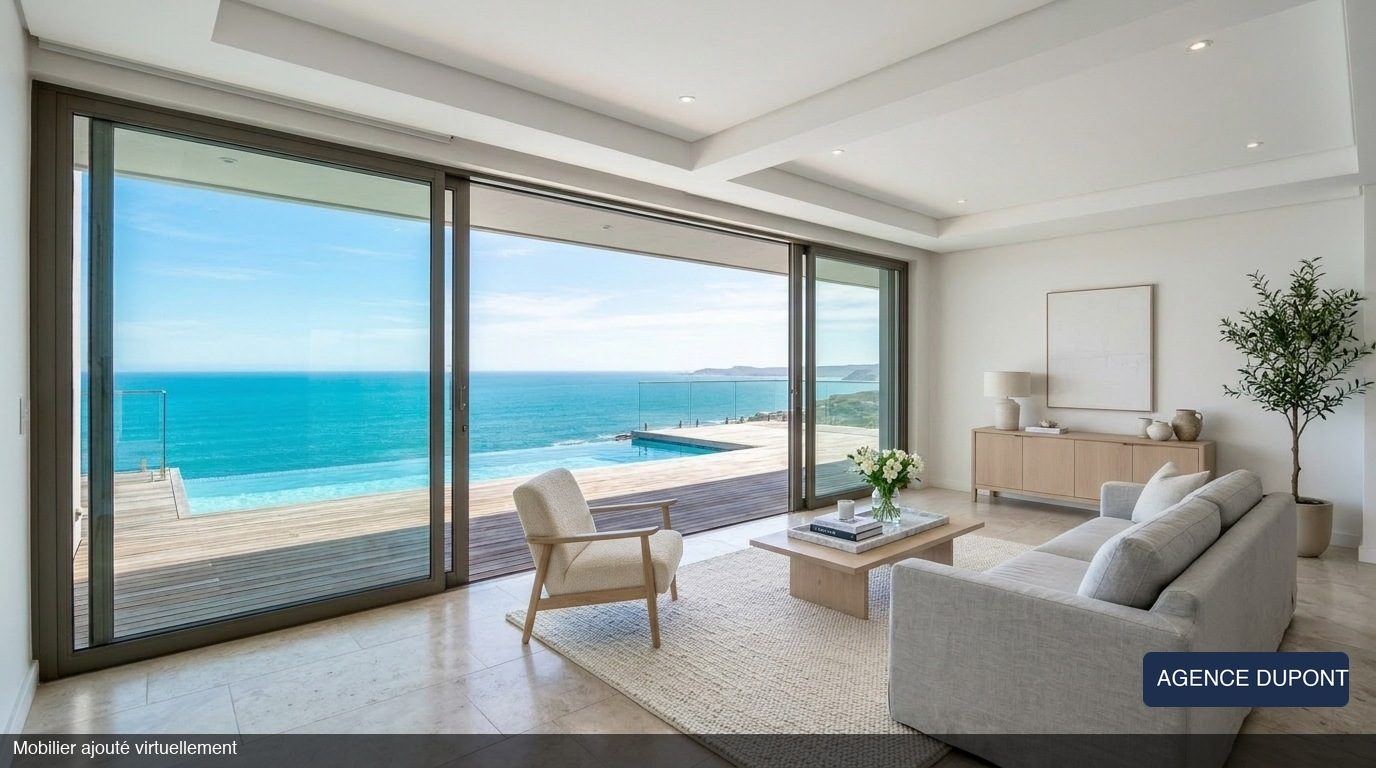
Get the final photo
We check it, then it arrives by email or WhatsApp in about 5 minutes: full size, no watermark, with the "Virtually staged" label and your logo if you like.
Example · photo virtually staged by our service
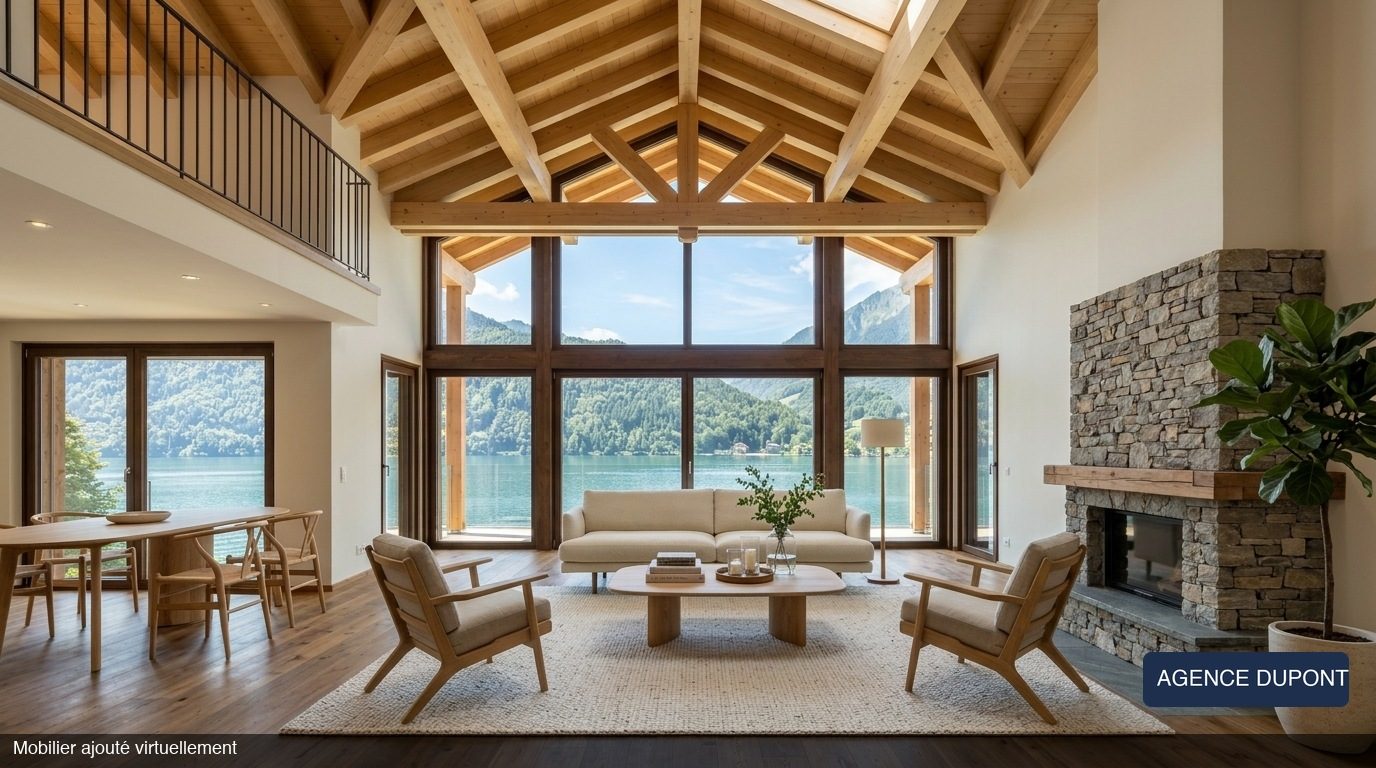
Your signature
Your logo on every photo, no editing needed.
- Add your logo once: it sits discreetly on all your final photos.
- The "Virtually staged" label is built in, always legible, never in the way.
- You also get the original photo, to show next to it in your listing.
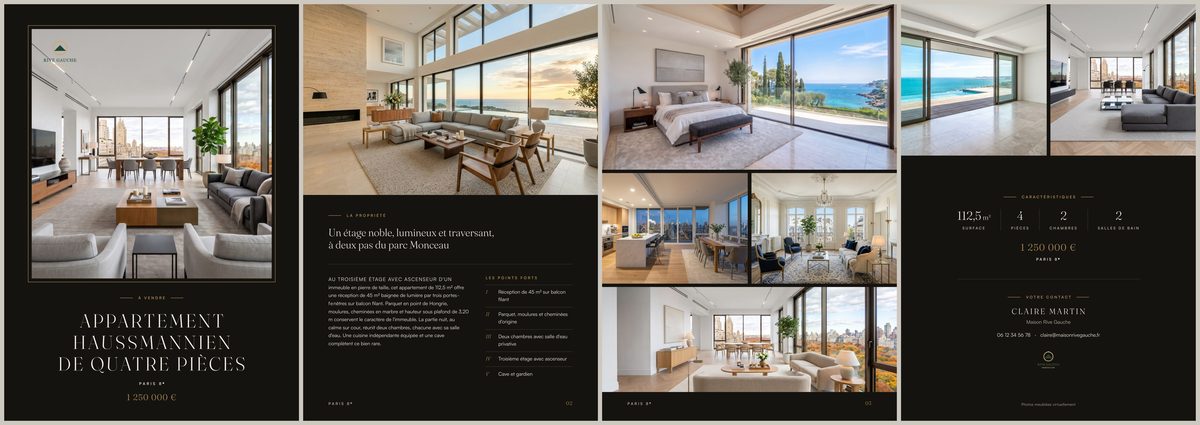
Brochure
Your listing's brochure, ready to print.
- Paste your listing's link. The photos, price, floor area and description fill in on their own.
- Pick a template. Editorial, Prestige or Modern: a four-page A4 brochure or a trifold leaflet.
- Adjust and download. Change a line or a photo if needed, then download the PDF, ready for the printer or for email.
2 credits, or included in the Agent Kit.
Create my brochureFilm
Your listing's film, in a single link.

The city from the sky, a 3D flight to the building, then the photos, the highlights and your contact details. Send it on WhatsApp, by email or on social media: buyers watch it on their phone, nothing to install.
- Import your listing. Paste its link: the film picks up its photos, price and highlights.
- Place the address. Choose which side of the building to show, or hide the address: the flight then stops at the neighborhood.
- Share the link. Live for six months, it updates with every change. An MP4 video is also available for Instagram.
5 credits, or included in the Agent Kit.
- The city
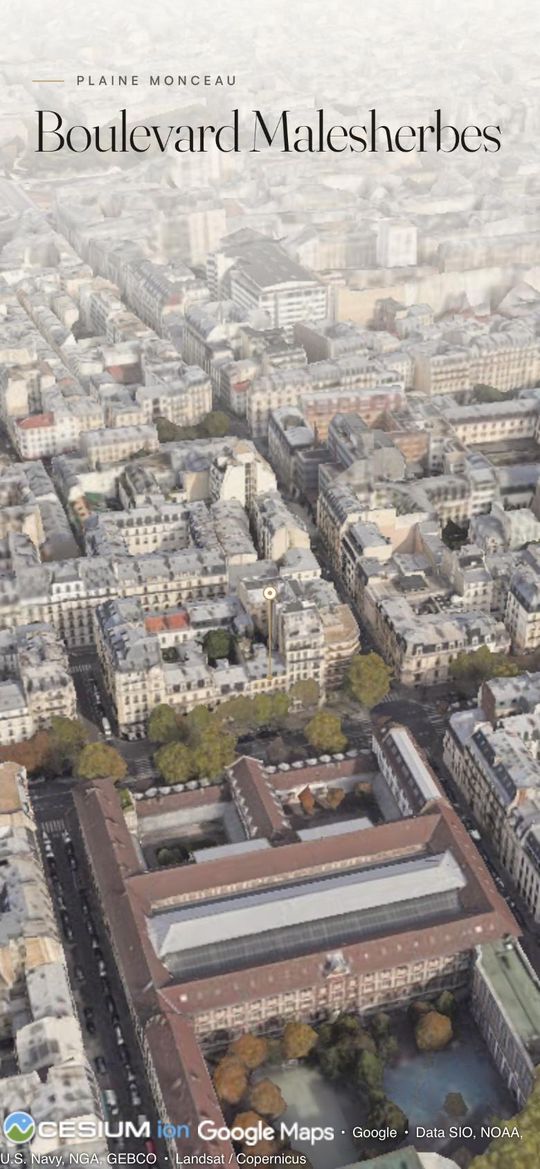 The neighborhood in 3D
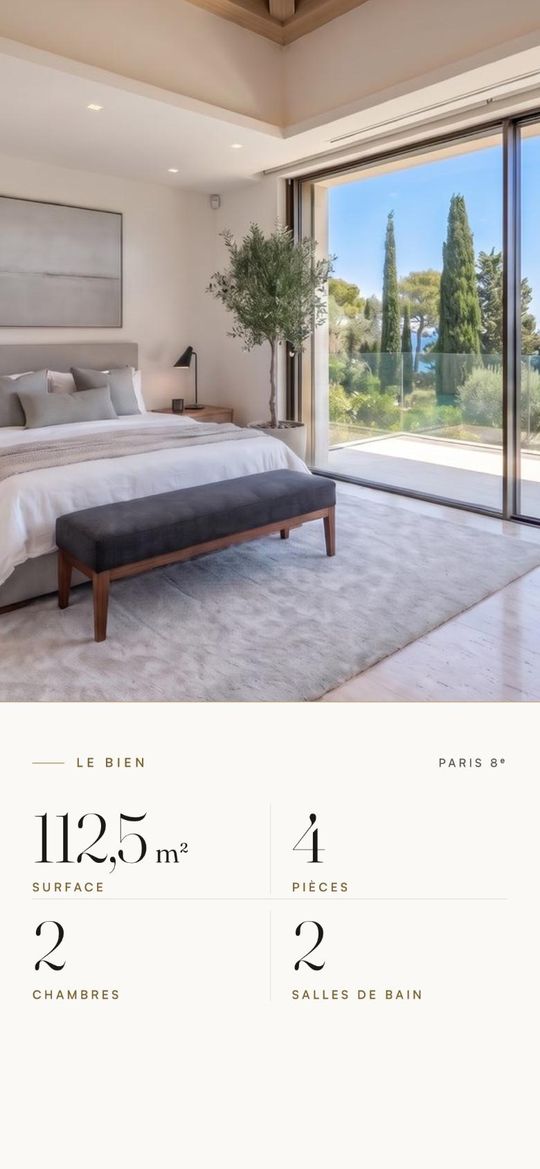 The property
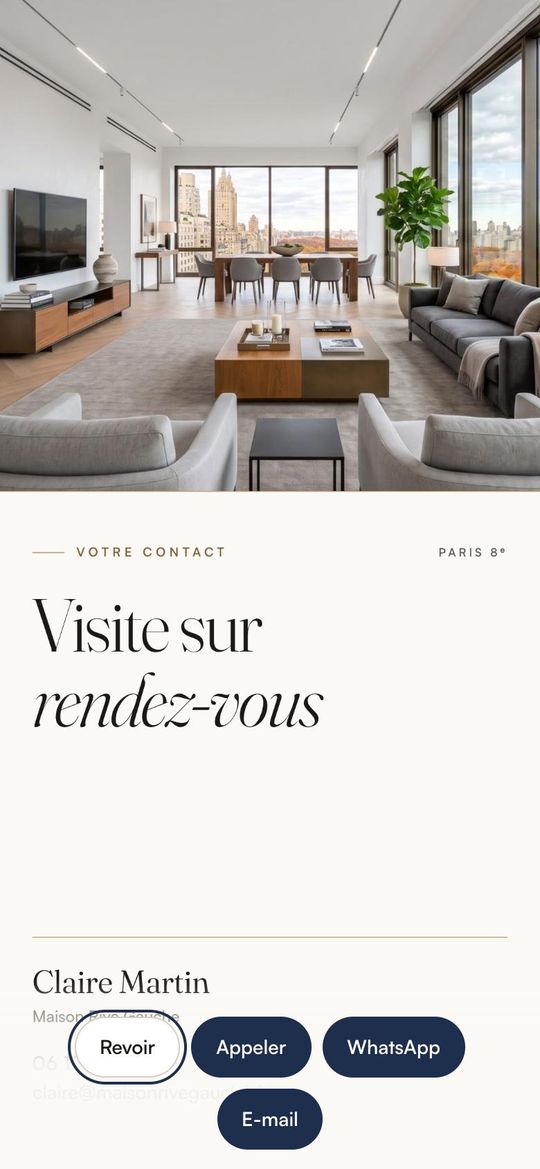 Your contact
Example · film of a sample listing in Paris · aerial view and 3D © Google
Pricing
Try it free. Only pay for the photos you keep.
Previews are free. You pay credits only for what you keep:
-
1 credit
A final photo
Full size, no watermark
-
2 credits
A brochure
4 pages, ready to print
-
5 credits
A film
Online for 6 months, ready to share
Credits
from $29
From $5.80 to $3.98 a credit
- For photos, brochures and films
- From the smallest pack to the largest
- Credits never expire
Agent Kit
$69
For one listing
- 10 photos, staged or emptied
- 1 brochure of your choice
- 1 film online for 6 months
Pro Agent Kit
$179
For 3 listings · $59.67 a listing
- Three Agent Kits
- To use within 12 months
- For several properties
Subscription
$79 / month
Yearly · $3.16 a credit
- 300 credits a year, all at once
- Photos, brochures and films
- Or monthly, no commitment
- Extra credits: $3 each
Agencies and networks
Custom quote
A monthly package for your agents
- Shared credits every month
- A login for each agent
- Brochures and films with your logo
Your plan
Credits for your photos, brochures and films. They never expire, even if you stop.
Yearly Best price $79 / month Billed $948 for the year · 300 credits right away · $3 per extra credit Monthly $109 / month 25 credits every month · $3.70 per extra credit · cancel anytimePrices exclude tax. A final photo that fails our quality check is fixed or refunded. Secure payment by card, Apple Pay or Google Pay.
Common questions
Everything people ask us.
Why virtually stage an empty room?
An empty room looks smaller and colder than it really is. Furniture at the right scale helps buyers picture themselves there and see what each space is for, at a fraction of the cost of real staging.
How long does it take?
The preview appears in about a minute. The final photo goes through our quality check, then arrives by email or WhatsApp in about 5 minutes.
How many tries do I get per photo?
Five previews per photo, to compare styles or ask for another version. A free account gives you ten previews; every photo you buy adds five.
Will the room change?
No. Walls, floors, windows, radiators and outlets stay exactly as they are in your photo: only furniture is added. Before it is sent, every final photo goes through our quality check, which makes sure the room is untouched.
What if I don't like the result?
The preview is free: you only pay for the photos you keep, and you can try another style. A final photo that fails our quality check is fixed or refunded.
Which rooms can I stage?
Living room, bedroom, kitchen and dining room, home office, in the styles offered for each room. More rooms are on the way.
Can I remove existing furniture?
Yes. Upload a photo of the furnished room and choose "Empty a furnished room": the furniture and objects disappear, the room stays the same. You can then furnish the emptied room in the style of your choice. The final photo carries the label "Furniture virtually removed".
Is it legal in a listing?
Yes, as long as you are transparent. Every final photo carries the "Virtually staged" label, and you get the original photo to show next to it.
Where are my photos stored?
On servers in the United States. You can ask us to delete them at any time, and they are erased.
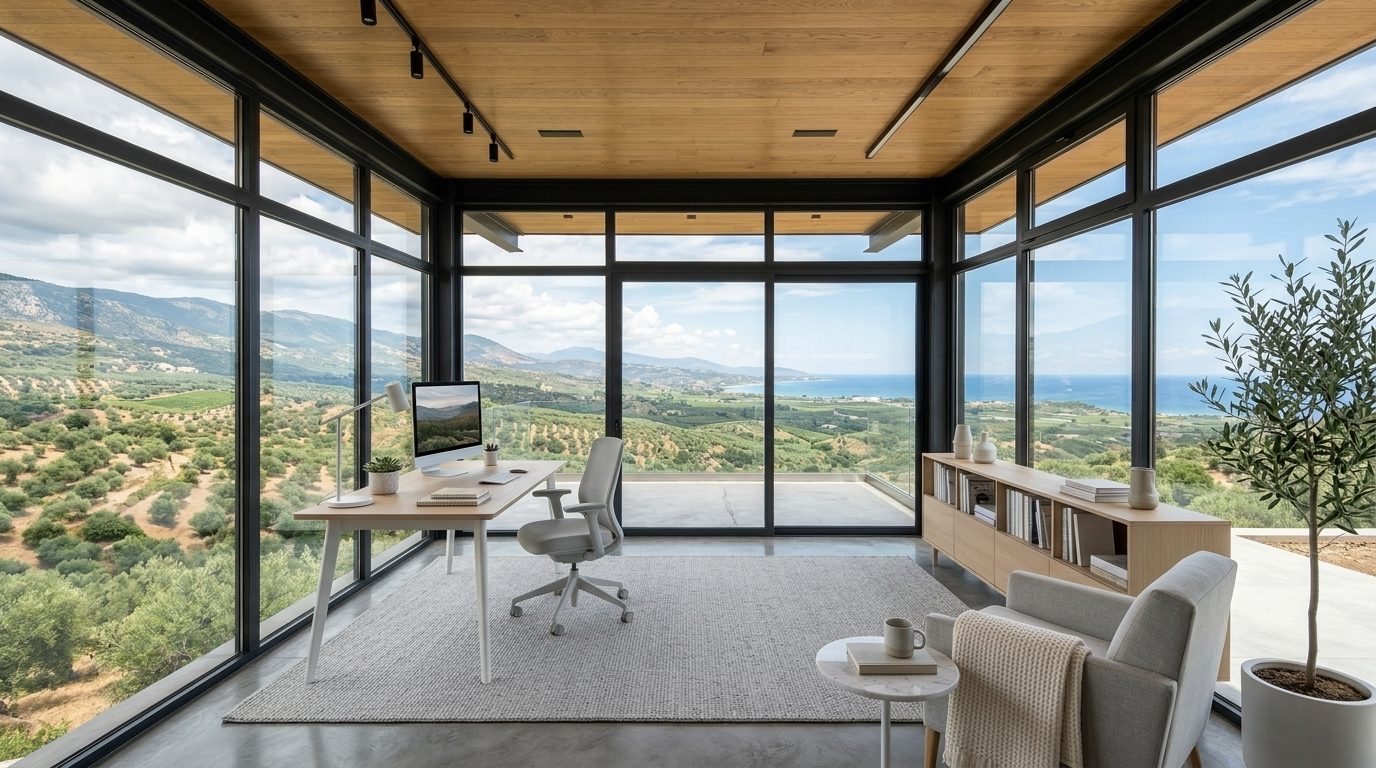
Your next listing
Try it on your own photo. It's free.
Upload an empty room, pick a style, and judge for yourself in about a minute.
Upload a photoExample · photo virtually staged by our service